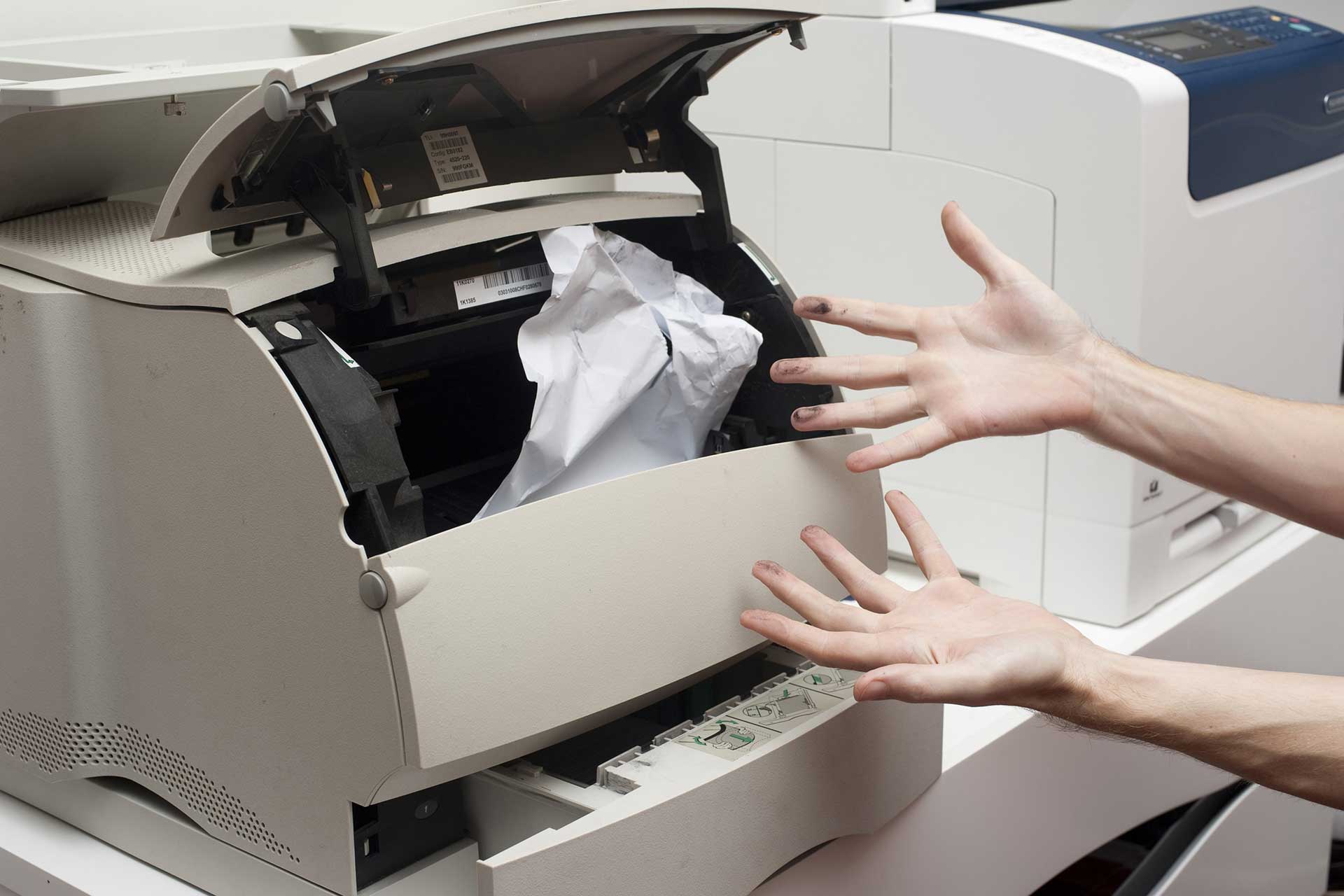
Paper jams are one of the most common and frustrating issues printer users face. They can happen at any time, often right in the middle of an important print job. The good news is that most paper jams are easy to clear on your own if you follow the correct procedure. This guide will walk you through everything you need to know about handling paper jams safely and effectively.
Why Do Paper Jams Happen?
Understanding what causes paper jams can help you prevent them. The most common causes include using paper that is wrinkled, damp, or of poor quality. Overfilling the paper tray is another frequent culprit. When too many sheets are loaded, the printer may struggle to pick up a single sheet properly. Dust and debris inside the printer can also cause rollers to lose their grip, leading to misfeeds and jams. Additionally, using paper that does not match your printer's recommended specifications, such as the wrong weight or size, increases the likelihood of jams occurring.
Step-by-Step Guide to Clearing a Paper Jam
If you encounter a paper jam, remain calm and follow these steps. First, turn off the printer and unplug it from the power source. This prevents any risk of injury from moving parts. Open the main access cover or front panel to expose the paper path. Gently pull out any visible jammed paper. Always pull in the direction that the paper normally feeds through the printer. Tearing the paper can leave behind small fragments that cause further jams, so pull slowly and steadily. Check all areas where paper travels, including the input tray, output tray, and any rear access panels. Many printers have a rear panel that provides direct access to the rollers where jams frequently occur. After removing all visible paper, close all covers and plug the printer back in. Print a test page to confirm the jam is fully cleared.
Tips to Prevent Future Paper Jams
Prevention is always better than cure. Start by using high-quality paper that is appropriate for your printer. Store paper in a cool, dry place away from moisture and direct sunlight. Before loading paper, fan the stack to separate the sheets and remove any that are stuck together. Never overload the paper tray; follow the manufacturer's guidelines for maximum capacity. Keep your printer clean by periodically wiping the rollers with a lint-free cloth slightly dampened with water. Finally, avoid mixing different types of paper in the tray at the same time, as this can cause feeding inconsistencies. By following these simple practices, you can significantly reduce the frequency of paper jams and keep your printer running smoothly.
If you continue to experience frequent jams after following these steps, there may be a more serious mechanical issue. In such cases, consulting a professional technician or referring to your printer's service manual is recommended.